



RelayDesk Provided Signals are now live in your Signal Library: six SPY options strategies and a ready-to-run Pop Off bot.
Automate your trading strategy
Start Free TrialRelayDesk has always been the connection layer between your signal source and your broker. As of July, it ships signals too.
Six RelayDesk Provided Signals are now live in your Signal Library, all SPY, all options, each built around a distinct setup type. They sit alongside your own webhook signals, with detail pages covering how each one works, its guardrails, and its signal history. Every signal includes per-trade size caps and contract limits built in. What you do with them, including position sizing, risk management, and when to go live, stays with you.
The six signals
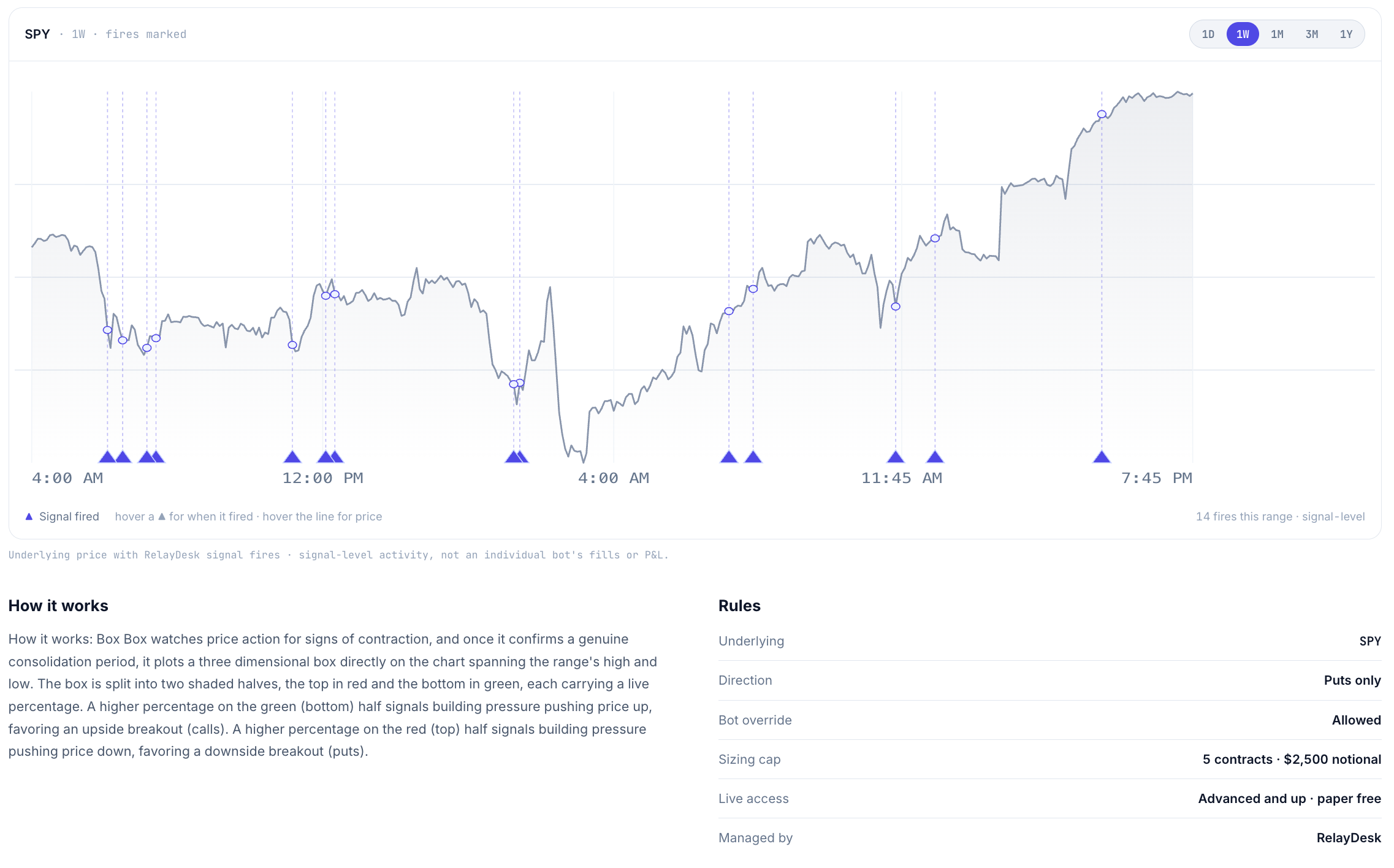
Box Box Calls and Box Box Puts watch SPY for signs of price contraction. When the signal identifies a genuine consolidation period, it maps the range into a box split into two halves: red on top, green on the bottom. The percentage in each half reflects the directional pressure building inside the range.
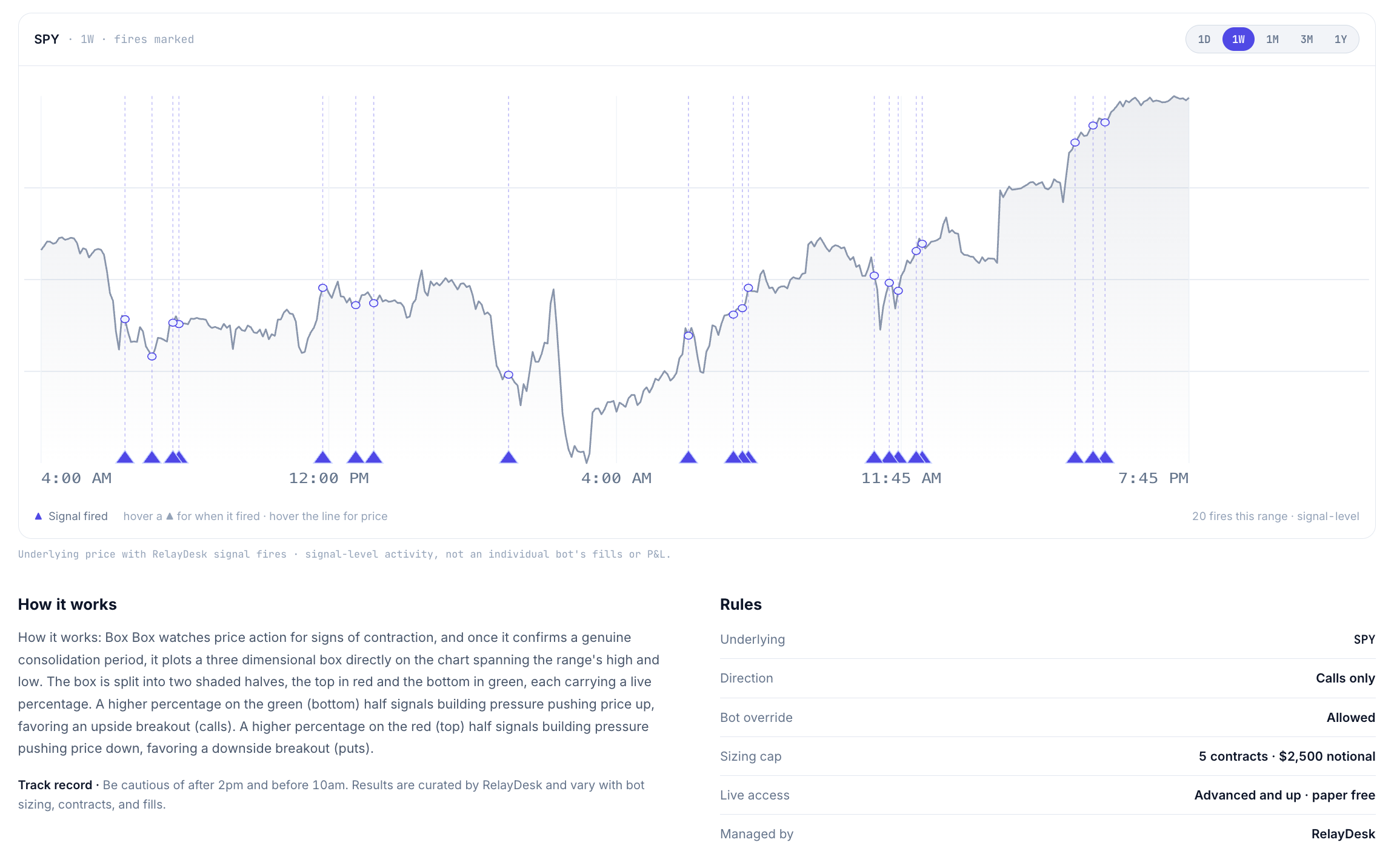
A higher green percentage favors an upside breakout; a higher red percentage favors a downside break. Box Box Calls fires when the setup points up. Box Box Puts fires when it points down. Both are capped at 5 contracts and $2,500 per trade.
Pop Off runs a single window: 1 PM to 2:30 PM. It looks for compression in SPY during the afternoon session and positions for a fast, sharp move higher, buying cheap contracts and waiting for the pop.
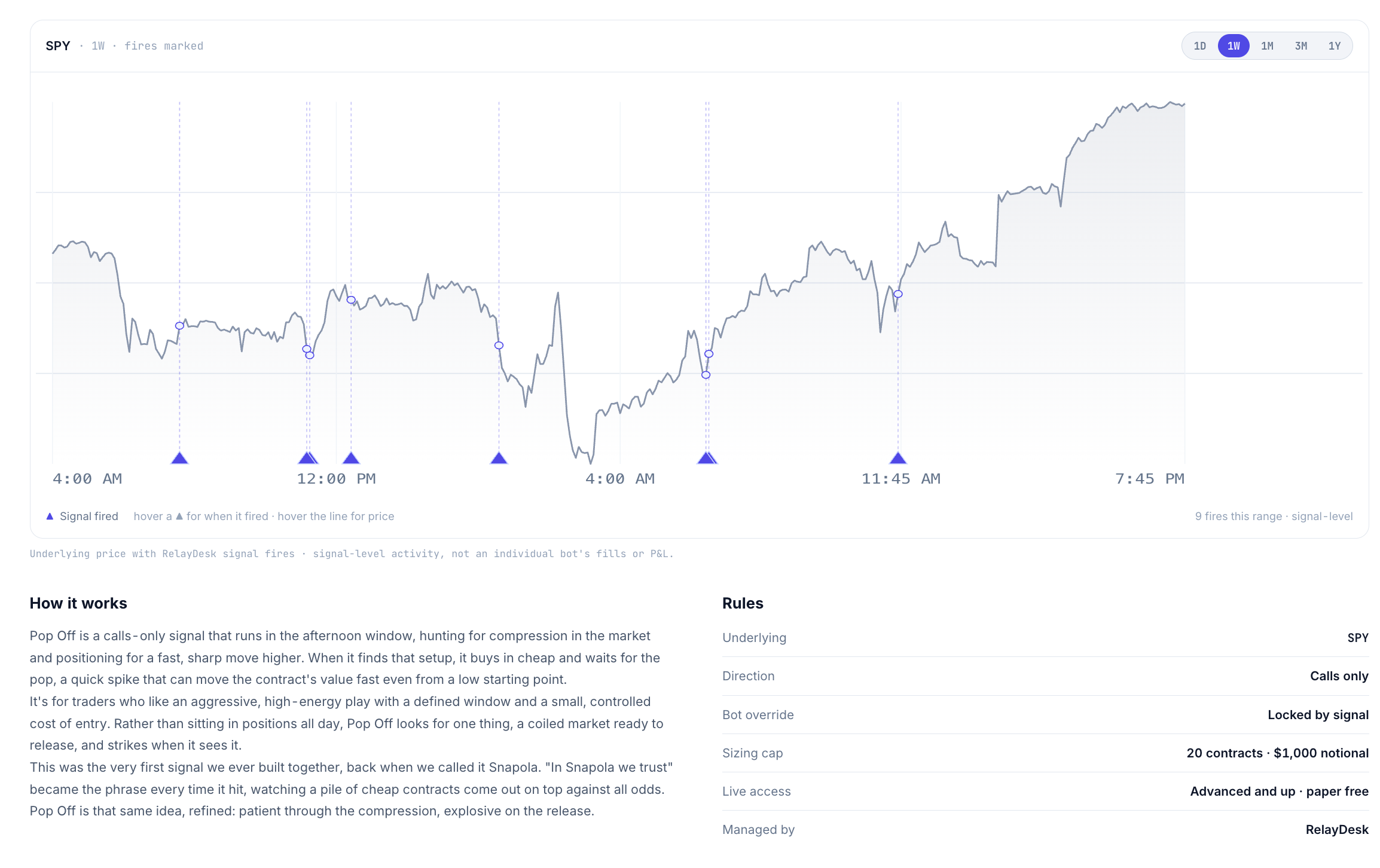
It's a high-energy, defined-window play with a controlled cost of entry. Pop Off fired 21 times in the last 30 days. It's capped at 20 contracts and $1,000 per trade, and it's the only provided signal that currently includes a ready-to-run bot added to your account automatically.
Regime Clockwork is tuned to current market conditions rather than waiting for rare, heavy setups. It runs at a higher cadence, roughly 6 signals per month, triggering each time its setup clicks into place. It's for traders who want more opportunities without giving up structure. Capped at 3 contracts and $1,000 per trade.
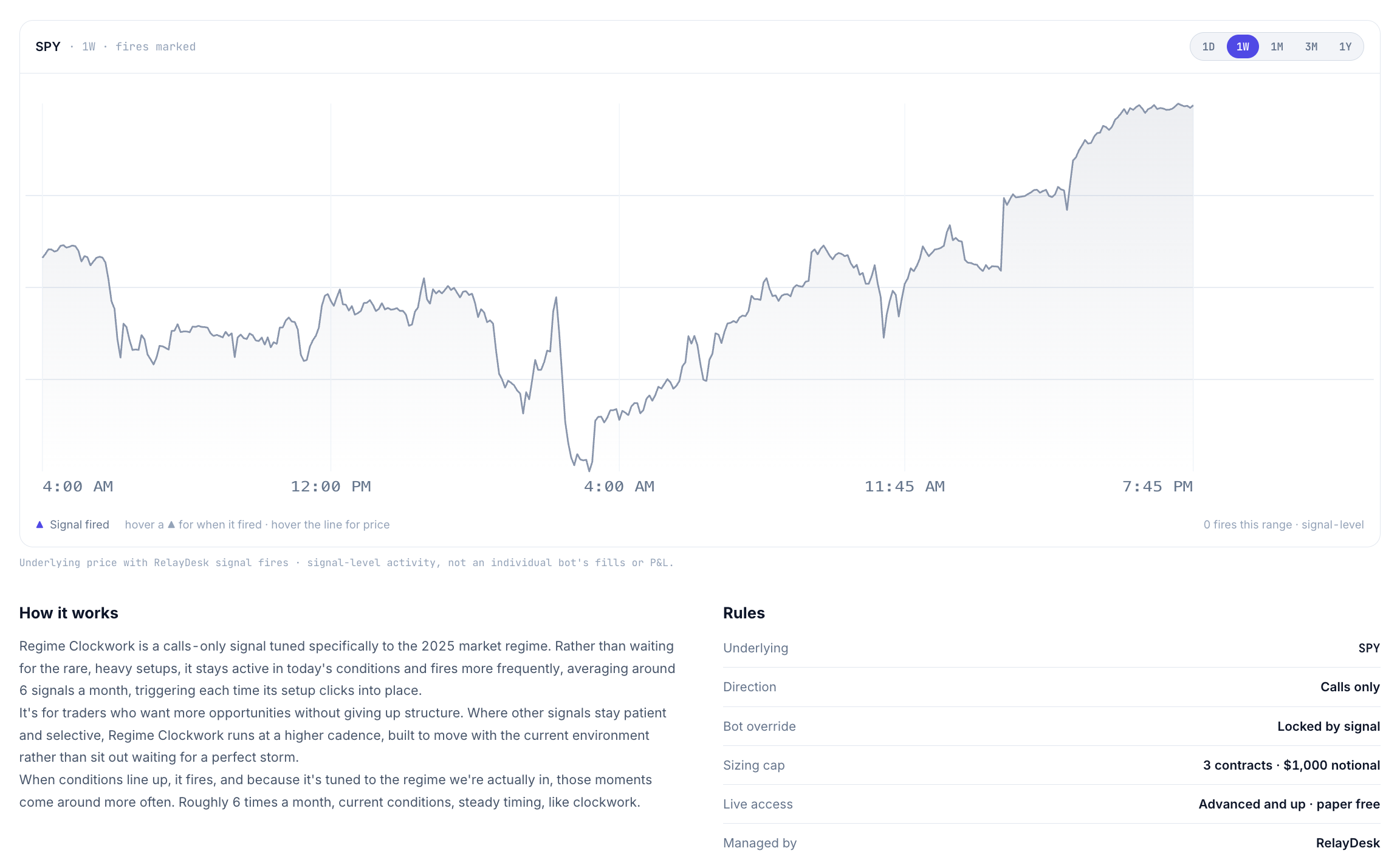
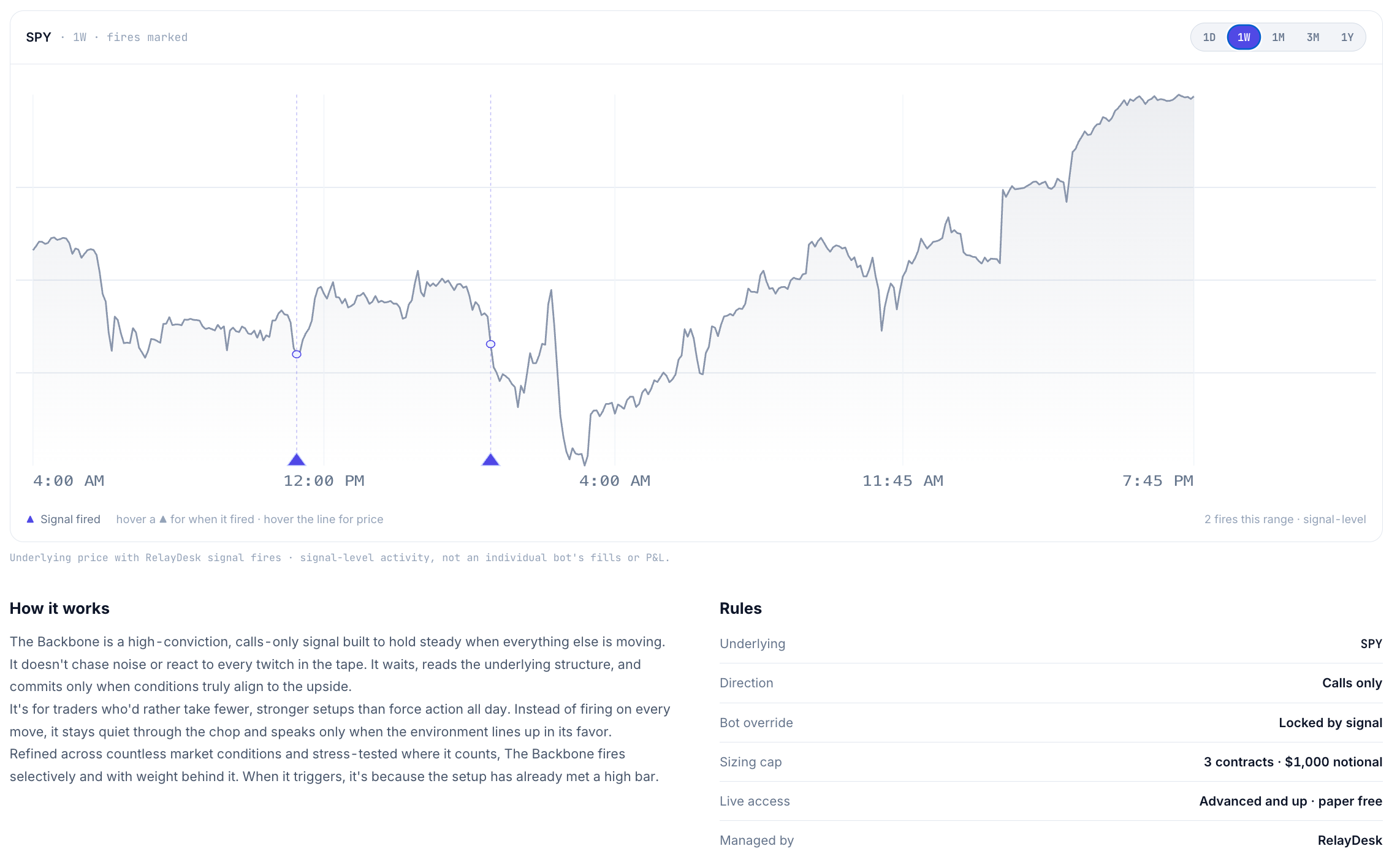
The Backbone takes the opposite approach. It's a high-conviction, calls-only signal that stays quiet through noise and fires selectively, only when conditions align to the upside. Fewer signals, more weight behind each one. Capped at 3 contracts and $1,000 per trade.
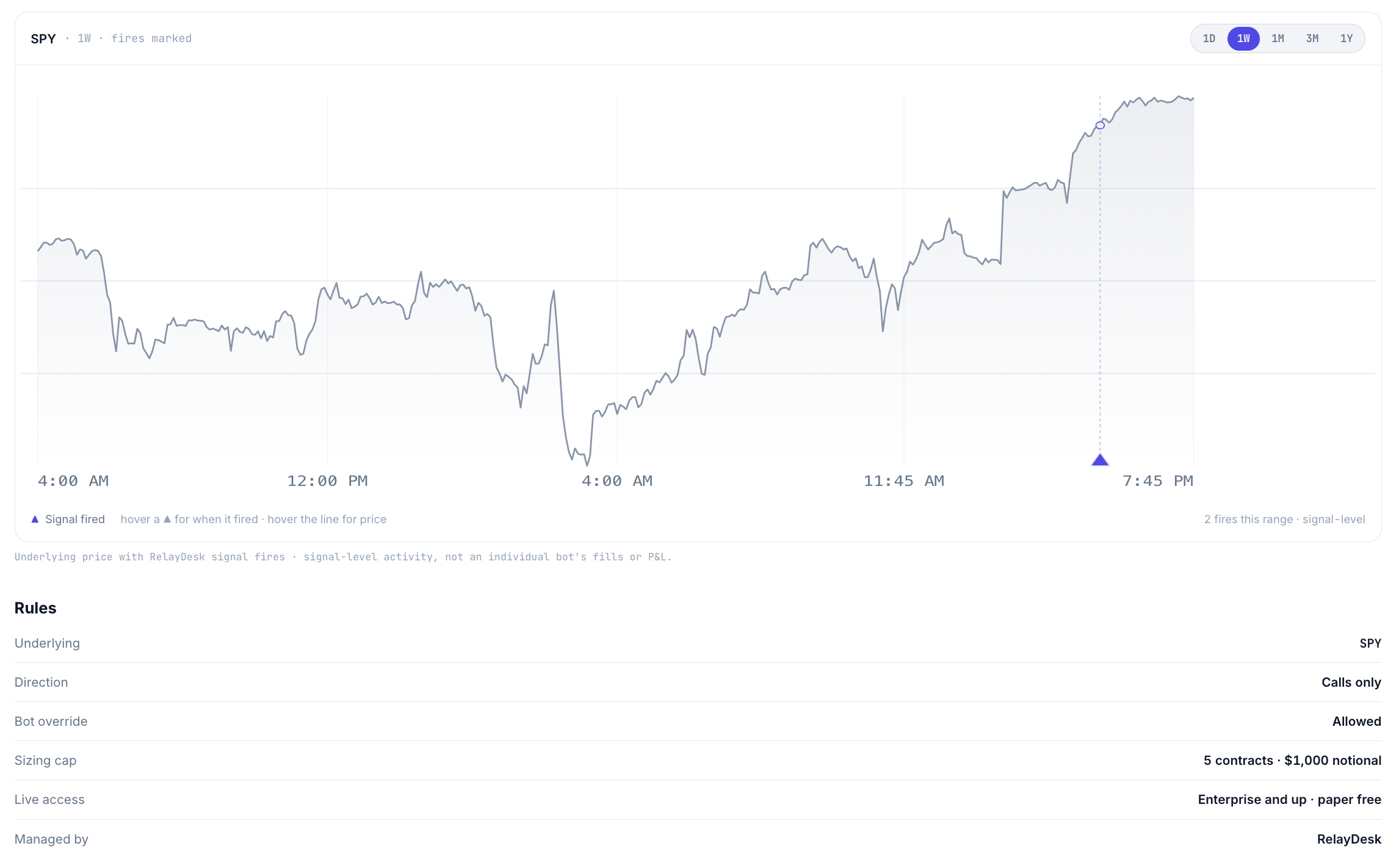
The Dog Walker is built on a consistent pattern in SPY: when a specific set of conditions aligns, the market tends to follow. It's a calls-only signal available on Enterprise+ plans, capped at 5 contracts and $1,000 per trade.
Guardrails and plan access
Every provided signal includes per-trade size caps (maximum contracts and maximum dollar amount per trade) set by RelayDesk and visible on each signal's detail page. These caps are part of the signal's design, not optional parameters you adjust.
Box Box Calls, Box Box Puts, Pop Off, Regime Clockwork, and The Backbone are available on Advanced+ and above. The Dog Walker is Enterprise+ only. You can watch any signal in paper trading regardless of plan tier.
The Pop Off bot
Pop Off is currently the only provided signal with a bot pre-added to your account. Open the Bots page, filter to RelayDesk bots, and you'll find RelayDesk · Pop Off already there, connected to SPY, ready to run in paper trading. The bot's default settings reflect Pop Off's design: it runs in the 1–2:30 PM window, respects the contract cap, and sizes within the per-trade limit.
Before switching it to live, review the bot configuration and make sure the sizing fits your account. The default settings are a starting point, not a recommendation.
What the new bot controls add
The July 24 release added controls that are directly relevant to running options signals: contract selection by strike or premium, an IV ceiling to skip entries when premium is too expensive, take profits by number of contracts or dollar amount per contract, and a bot scheduler to define when your bot runs.
These settings apply to any bot you build for a provided signal. If you set up a bot for Box Box Calls, you can set an IV ceiling to skip entries on high-IV days and define a take profit rule in dollar terms rather than percentage. If you're running Pop Off, the scheduler enforces the afternoon window automatically.
How to start
Open the Signal Library and read the detail page for any signal you want to explore. Each one describes the setup it looks for, when it fires, and what the guardrails are.
Run it in paper trading first. Signal history varies with bot sizing, contract count, and actual fills. Past signals are not a guarantee of future results. Paper trading lets you see how a signal behaves in real market conditions before any real capital is at risk.
When you're ready to go live, size conservatively. The per-trade caps are a ceiling, not a target.
RelayDesk is a trading automation platform. We are not a broker-dealer or investment advisor and do not provide investment advice. Provided signals are not investment recommendations. Trading involves substantial risk of loss. Past performance does not guarantee future results. Results vary based on bot configuration, position sizing, contract selection, and actual fills. View full disclaimer